Scenes / onboarding / step-rail / step-rail--cta
Five steps, then you're live
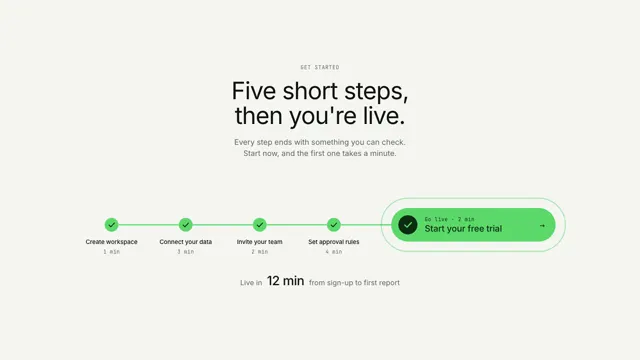
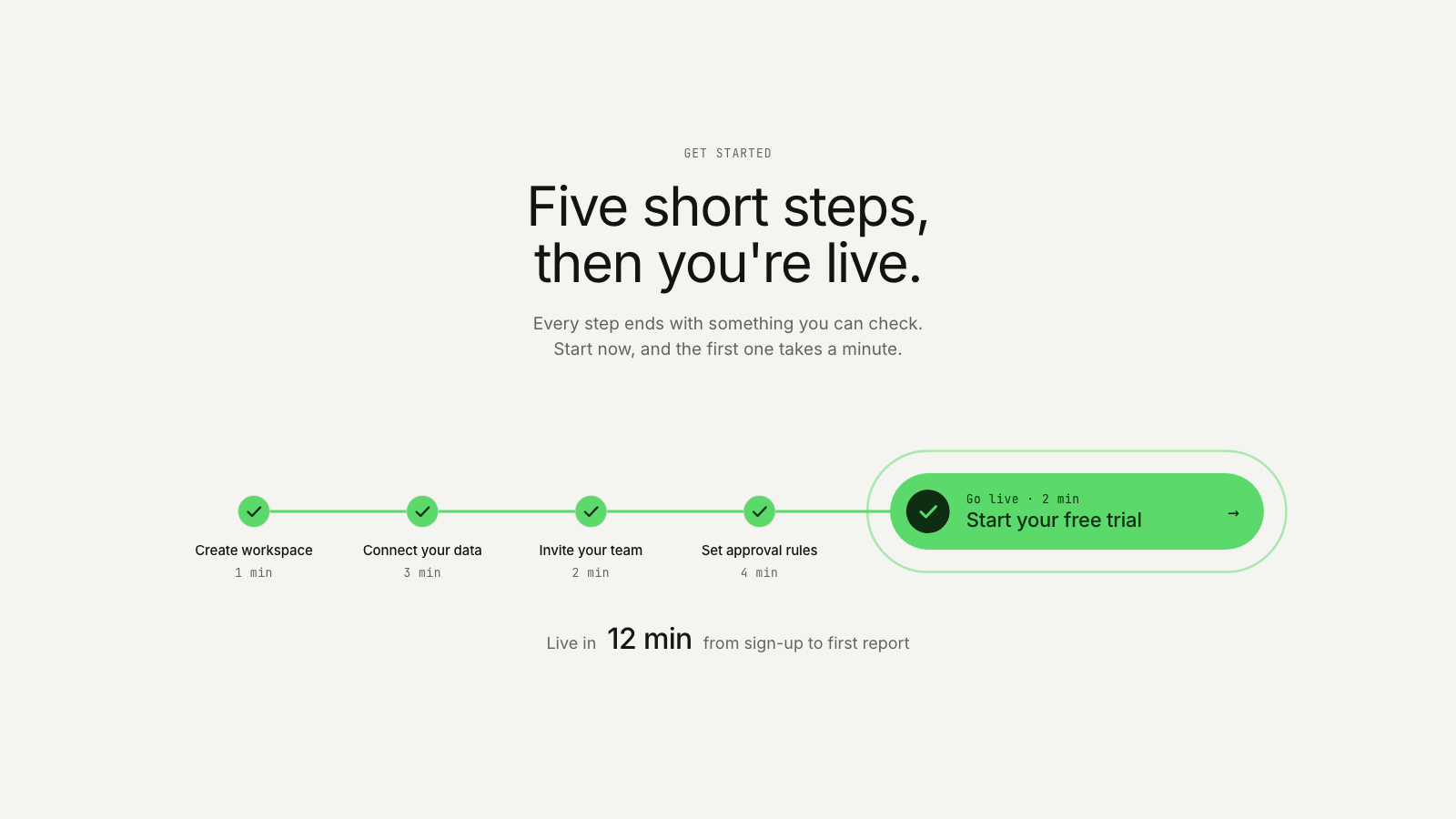
A token runs a short rail of numbered steps and lands in the button at its end, which presses in once while the total time lands underneath.
The cta take on How it works, step by step: same story, built for a different job on the page.
Drawn in Outline · follows any look See the matched set →
With Claude Code
With the skill installed, paste this in your project.
Use the site-motion skill to make the "step-rail--cta" scene for our site, in our brand.
Read our design tokens from this project (or run `site-motion theme <our url>`), write the content JSON with our real product nouns and numbers, then render mp4, webm and a poster. Check the loop seam before you finish.
From the command line
Draft your tokens, then copy the scene into your project. The first scene you add sets your site's look; every scene after it follows.
node bin/site-motion.mjs theme https://yoursite.com --out brand.json
node bin/site-motion.mjs add step-rail--cta --tokens brand.json
Your brand, as tokens
The theme playing above, as a token file the CLI and the skill accept.
content.json, the words in this scene
{
  "title": "Five steps, then you're live",
  "label": "A closing call to action. Under a centred heading, the five setup steps sit as a short run of numbered nodes on one rail: Create workspace, Connect your data, Invite your team and Set approval rules, each with its time. The rail ends in the button, Start your free trial, whose numbered badge is the fifth step, Go live. A small token runs the rail quickly, ticking each step behind it, and lands in the button's badge; the button presses in once and sends out one pulse, and the total time lands underneath: live in 12 min, from sign-up to first report.",
  "eyebrow": "Get started",
  "heading": "Five short steps,\nthen you're live.",
  "sub": "Every step ends with something you can check. Start now, and the first one takes a minute.",
  "button": "Start your free trial",
  "steps": [
    {
      "title": "Create workspace",
      "time": "1 min"
    },
    {
      "title": "Connect your data",
      "time": "3 min"
    },
    {
      "title": "Invite your team",
      "time": "2 min"
    },
    {
      "title": "Set approval rules",
      "time": "4 min"
    },
    {
      "title": "Go live",
      "time": "2 min"
    }
  ],
  "payoff": {
    "label": "Live in",
    "value": "12 min",
    "note": "from sign-up to first report"
  }
}
Files
default themeRendered frame-exact. For your brand, run the command on the left.
embed snippet
<iframe src="/step-rail--cta.html" title="Five steps, then you're live" style="width:100%;aspect-ratio:16/9;border:0" loading="lazy"></iframe>
More ways to show this
the same story, one per job on the page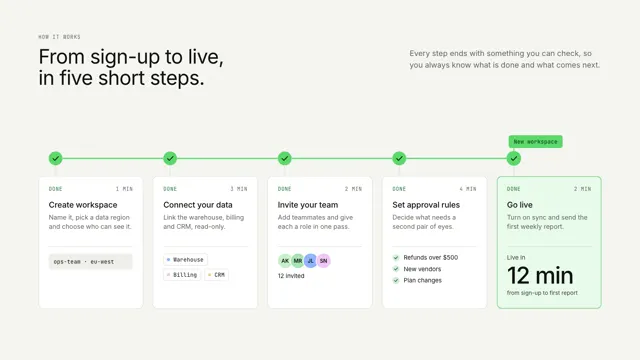
Related scenes
all scenes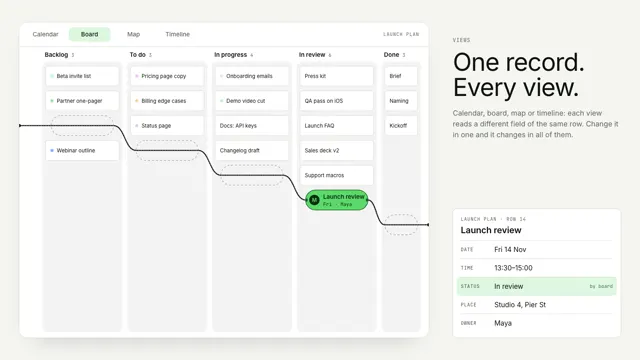
Bead views
One record stays still as a bead while its string re-threads the world around it: a calendar, a board, a street map and a timeline.
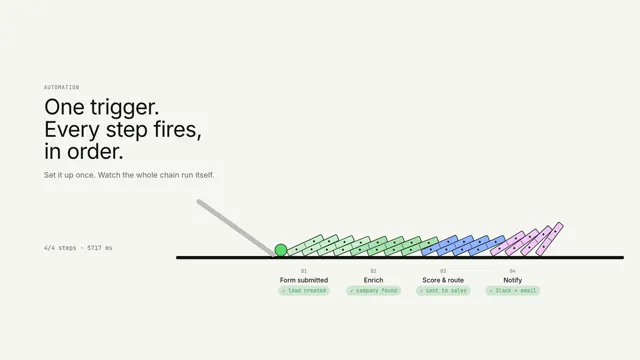
One trigger, every step
One trigger tips a chain of dominoes; each step lights as the wave reaches it.
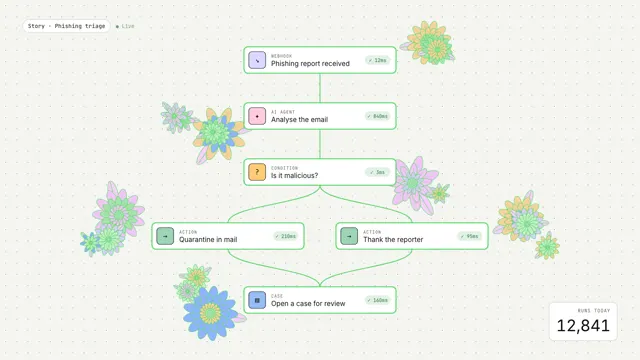
Workflow in bloom
An event runs through a workflow graph and each step blooms into generative flowers.