Scenes / onboarding / step-rail
How it works, step by step
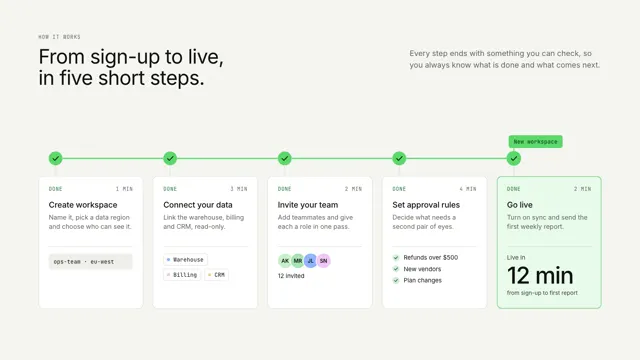
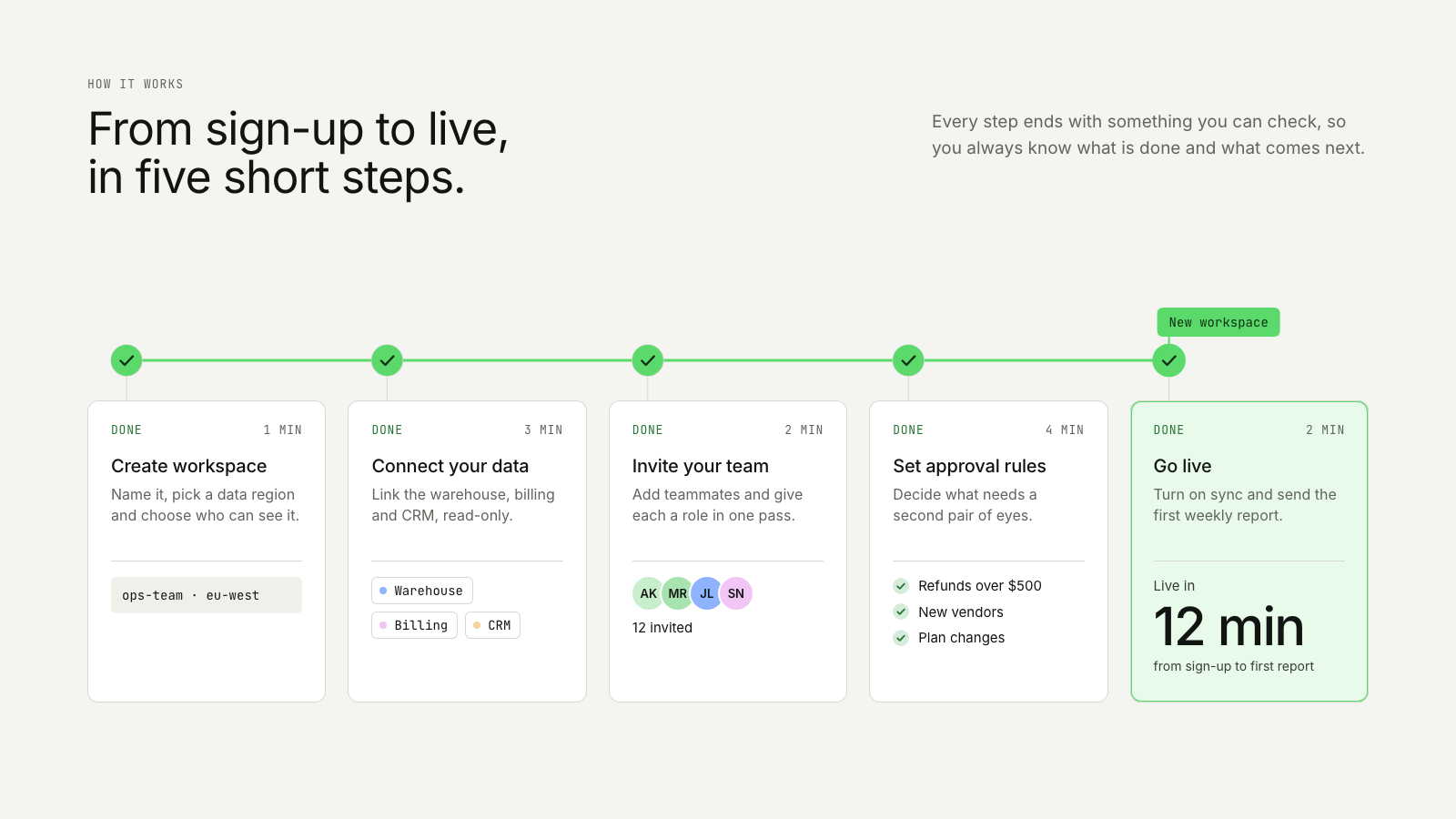
A token travels a rail of numbered steps; each card opens on what its step produced, and the last one lands the result.
Drawn in Outline · follows any look See the matched set →
With Claude Code
With the skill installed, paste this in your project.
Use the site-motion skill to make the "step-rail" scene for our site, in our brand.
Read our design tokens from this project (or run `site-motion theme <our url>`), write the content JSON with our real product nouns and numbers, then render mp4, webm and a poster. Check the loop seam before you finish.
From the command line
Draft your tokens, then copy the scene into your project. The first scene you add sets your site's look; every scene after it follows.
node bin/site-motion.mjs theme https://yoursite.com --out brand.json
node bin/site-motion.mjs add step-rail --tokens brand.json
Your brand, as tokens
The theme playing above, as a token file the CLI and the skill accept.
content.json, the words in this scene
{
  "title": "How it works, step by step",
  "label": "A how-it-works section drawn as five numbered steps on a horizontal rail. A token labelled New workspace travels the rail; as it reaches each step, that step's card opens to show what the step produced: a workspace name, three connected sources, twelve invited teammates and three approval rules. Each finished step is ticked behind the token. At the last step, Go live, the card lands its result: live in 12 minutes, from sign-up to the first report.",
  "eyebrow": "How it works",
  "heading": "From sign-up to live,\nin five short steps.",
  "sub": "Every step ends with something you can check, so you always know what is done and what comes next.",
  "token": "New workspace",
  "states": {
    "pending": "Up next",
    "active": "Working",
    "done": "Done"
  },
  "steps": [
    {
      "title": "Create workspace",
      "detail": "Name it, pick a data region and choose who can see it.",
      "time": "1 min",
      "result": {
        "kind": "line",
        "text": "ops-team · eu-west"
      }
    },
    {
      "title": "Connect your data",
      "detail": "Link the warehouse, billing and CRM, read-only.",
      "time": "3 min",
      "result": {
        "kind": "chips",
        "items": [
          "Warehouse",
          "Billing",
          "CRM"
        ]
      }
    },
    {
      "title": "Invite your team",
      "detail": "Add teammates and give each a role in one pass.",
      "time": "2 min",
      "result": {
        "kind": "people",
        "items": [
          "AK",
          "MR",
          "JL",
          "SN"
        ],
        "text": "12 invited"
      }
    },
    {
      "title": "Set approval rules",
      "detail": "Decide what needs a second pair of eyes.",
      "time": "4 min",
      "result": {
        "kind": "list",
        "items": [
          "Refunds over $500",
          "New vendors",
          "Plan changes"
        ]
      }
    },
    {
      "title": "Go live",
      "detail": "Turn on sync and send the first weekly report.",
      "time": "2 min"
    }
  ],
  "payoff": {
    "label": "Live in",
    "value": "12 min",
    "note": "from sign-up to first report"
  }
}
Files
default themeRendered frame-exact. For your brand, run the command on the left.
embed snippet
<iframe src="/step-rail.html" title="How it works, step by step" style="width:100%;aspect-ratio:16/9;border:0" loading="lazy"></iframe>
More ways to show this
the same story, one per job on the page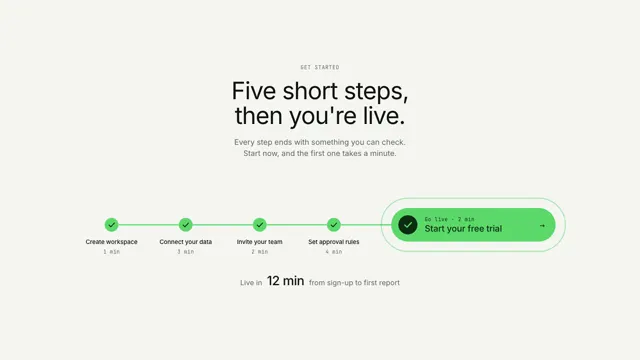
Related scenes
all scenes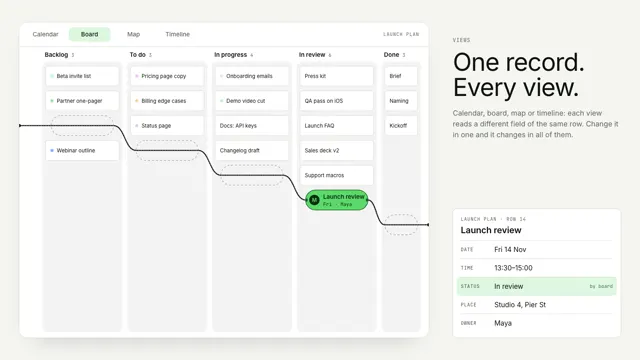
Bead views
One record stays still as a bead while its string re-threads the world around it: a calendar, a board, a street map and a timeline.
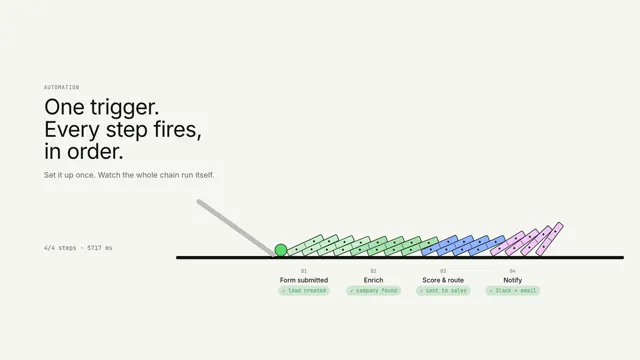
One trigger, every step
One trigger tips a chain of dominoes; each step lights as the wave reaches it.
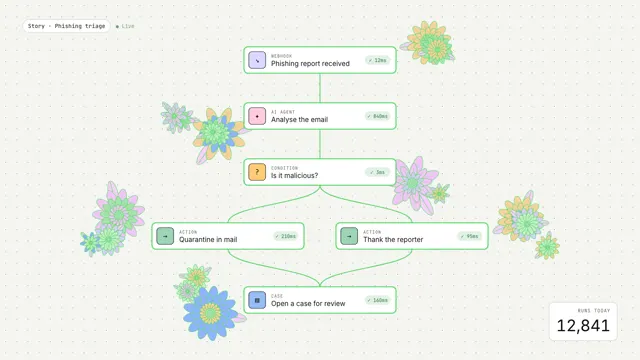
Workflow in bloom
An event runs through a workflow graph and each step blooms into generative flowers.