Scenes / migration / moving-boxes
Migration: moving boxes
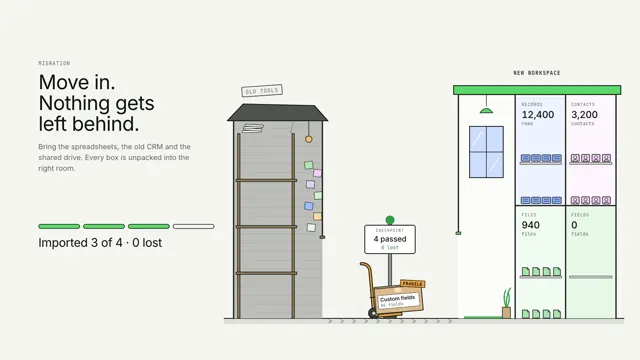
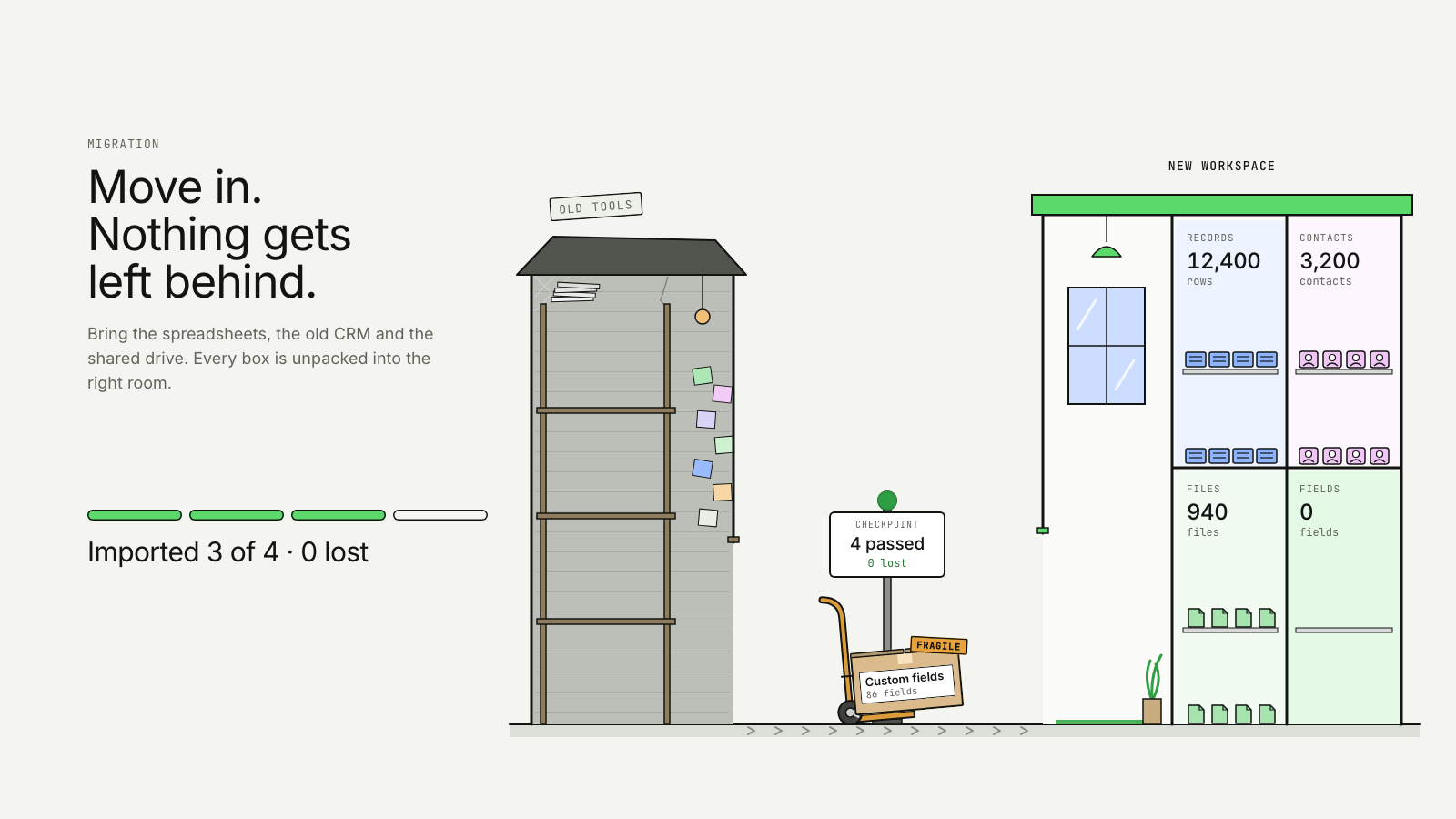
A hand truck moves labelled boxes from a cramped old office into a clean new building, where each one is unpacked into the right room.
Drawn in Ink · follows any look See the matched set →
With Claude Code
With the skill installed, paste this in your project.
Use the site-motion skill to make the "moving-boxes" scene for our site, in our brand.
Read our design tokens from this project (or run `site-motion theme <our url>`), write the content JSON with our real product nouns and numbers, then render mp4, webm and a poster. Check the loop seam before you finish.
From the command line
Draft your tokens, then copy the scene into your project. The first scene you add sets your site's look; every scene after it follows.
node bin/site-motion.mjs theme https://yoursite.com --out brand.json
node bin/site-motion.mjs add moving-boxes --tokens brand.json
Your brand, as tokens
The theme playing above, as a token file the CLI and the skill accept.
content.json, the words in this scene
{
  "title": "Migration: moving boxes",
  "label": "Two buildings side by side. On the left, a cramped old office with cluttered shelves holds four labelled moving boxes: Spreadsheets, 12,400 rows; Old CRM, 3,200 contacts; Shared drive, 940 files; and Custom fields, marked fragile. A hand truck takes them one at a time along the walkway, past a checkpoint post that counts each box and shows 0 lost, into a clean new building. Inside, each box opens and its contents file into the matching room, whose count rises as they land. The fragile box arrives intact with its sticker. A progress line, counted from the boxes delivered, ends at imported 4 of 4, 0 lost.",
  "eyebrow": "Migration",
  "heading": "Move in.\nNothing gets\nleft behind.",
  "sub": "Bring the spreadsheets, the old CRM and the shared drive. Every box is unpacked into the right room.",
  "oldSign": "Old tools",
  "newSign": "New workspace",
  "progress": {
    "imported": "Imported",
    "of": "of",
    "lost": "lost"
  },
  "intact": "Intact",
  "boxes": [
    {
      "name": "Spreadsheets",
      "count": 12400,
      "unit": "rows",
      "room": "Records"
    },
    {
      "name": "Old CRM",
      "count": 3200,
      "unit": "contacts",
      "room": "Contacts"
    },
    {
      "name": "Shared drive",
      "count": 940,
      "unit": "files",
      "room": "Files"
    },
    {
      "name": "Custom fields",
      "count": 86,
      "unit": "fields",
      "room": "Fields",
      "fragile": "Fragile"
    }
  ],
  "seed": 31,
  "checkpoint": {
    "label": "Checkpoint",
    "passed": "passed"
  }
}
Files
default themeRendered frame-exact. For your brand, run the command on the left.
embed snippet
<iframe src="/moving-boxes.html" title="Migration: moving boxes" style="width:100%;aspect-ratio:16/9;border:0" loading="lazy"></iframe>
Related scenes
all scenes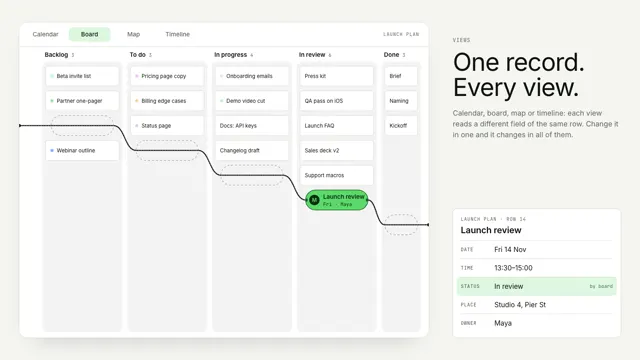
Bead views
One record stays still as a bead while its string re-threads the world around it: a calendar, a board, a street map and a timeline.
Branch your database like a cell
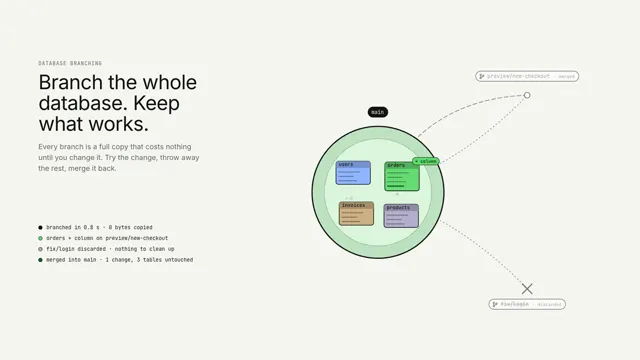
A database cell called main buds two branch cells; one is changed and fuses back, the other dissolves, and main carries the change.
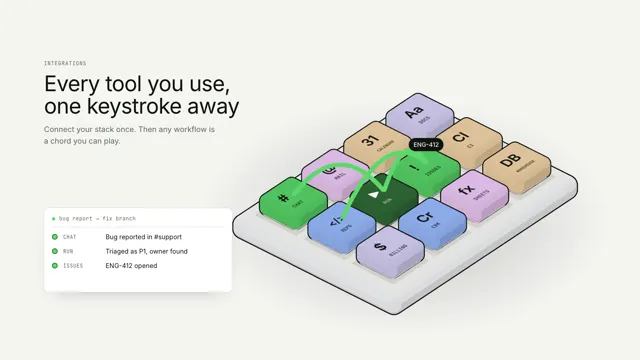
Every tool, one keystroke away
Every integration is a key on one isometric macro pad; a workflow is played as a chord, keys pressing in turn while a run log types each step.