Scenes / branching / cell-division
Branch your database like a cell
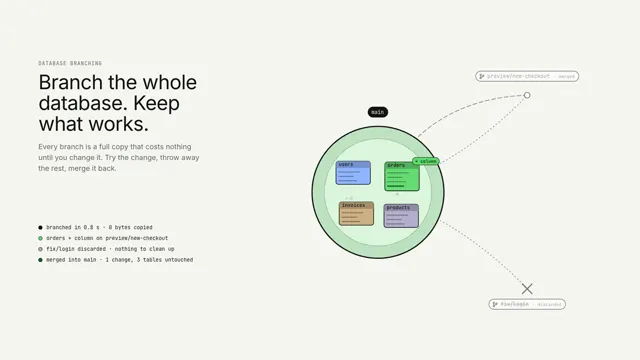
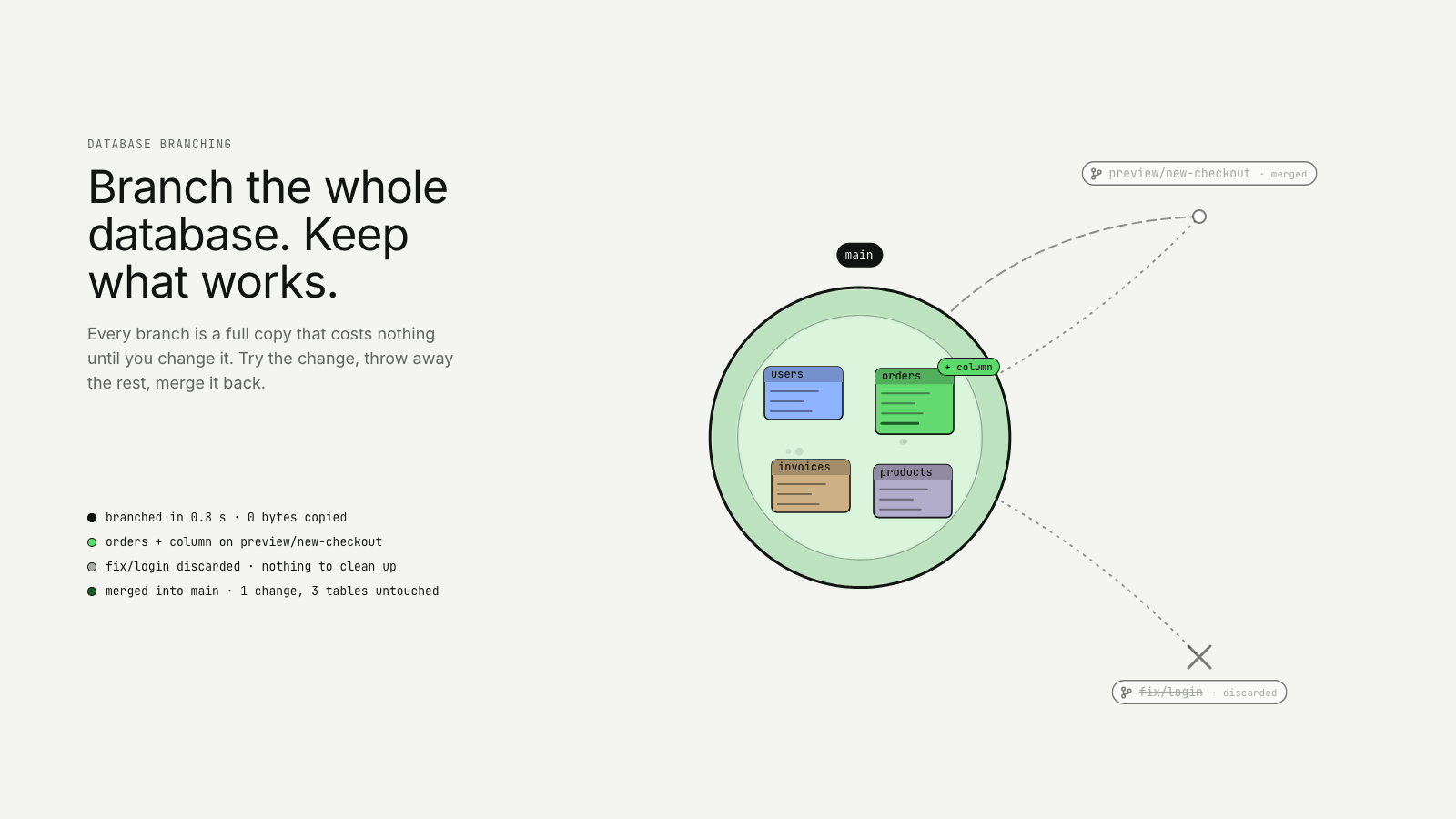
A database cell called main buds two branch cells; one is changed and fuses back, the other dissolves, and main carries the change.
Drawn in Outline · follows any look See the matched set →
With Claude Code
With the skill installed, paste this in your project.
Use the site-motion skill to make the "cell-division" scene for our site, in our brand.
Read our design tokens from this project (or run `site-motion theme <our url>`), write the content JSON with our real product nouns and numbers, then render mp4, webm and a poster. Check the loop seam before you finish.
From the command line
Draft your tokens, then copy the scene into your project. The first scene you add sets your site's look; every scene after it follows.
node bin/site-motion.mjs theme https://yoursite.com --out brand.json
node bin/site-motion.mjs add cell-division --tokens brand.json
Your brand, as tokens
The theme playing above, as a token file the CLI and the skill accept.
content.json, the words in this scene
{
  "title": "Branch your database like a cell",
  "label": "A round cell labelled main holds four organelles drawn as database tables: users, orders, invoices and products. It buds two identical daughter cells, tagged preview/new-checkout and fix/login, whose tables are dashed outlines because they still share the parent's data. On preview/new-checkout the orders table becomes solid, changes colour and gains a column. The fix/login cell is discarded and dissolves. The changed cell then moves back and its membrane fuses with main, and main's orders table now carries the new column. A log beside it reads branched in 0.8 s, 0 bytes copied.",
  "eyebrow": "Database branching",
  "heading": "Branch the whole\ndatabase. Keep\nwhat works.",
  "sub": "Every branch is a full copy that costs nothing until you change it. Try the change, throw away the rest, merge it back.",
  "main": "main",
  "branches": [
    "preview/new-checkout",
    "fix/login"
  ],
  "tables": [
    "users",
    "orders",
    "invoices",
    "products"
  ],
  "changeTable": 1,
  "changeTag": "+ column",
  "log": {
    "branch": "branched in {s} s · 0 bytes copied",
    "change": "orders + column on {branch}",
    "discard": "{branch} discarded · nothing to clean up",
    "merge": "merged into {main} · 1 change, 3 tables untouched"
  },
  "branchSeconds": 0.8,
  "mergedNote": "merged",
  "discardedNote": "discarded"
}
Files
default themeRendered frame-exact. For your brand, run the command on the left.
embed snippet
<iframe src="/cell-division.html" title="Branch your database like a cell" style="width:100%;aspect-ratio:16/9;border:0" loading="lazy"></iframe>
Related scenes
all scenes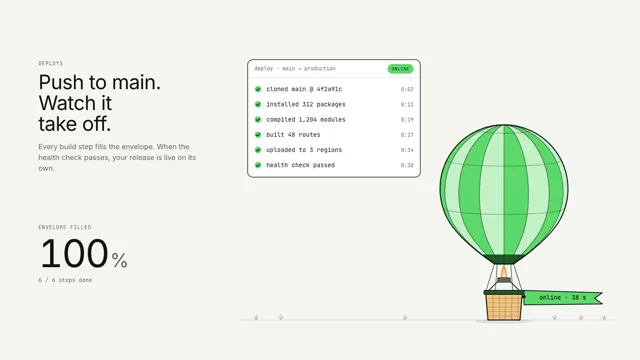
Deploy liftoff
Each build-log line inflates a hot-air balloon by its share; when the health check passes it lifts off flying an online pennant.
Bead views
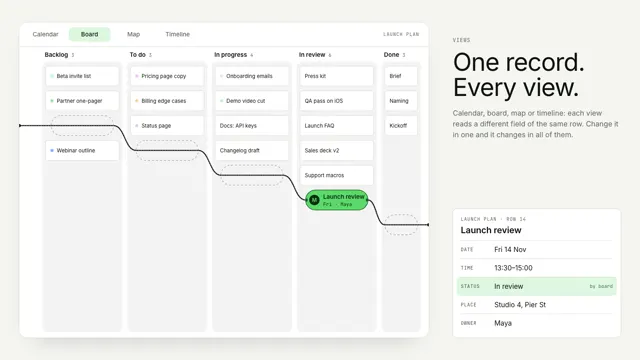
One record stays still as a bead while its string re-threads the world around it: a calendar, a board, a street map and a timeline.
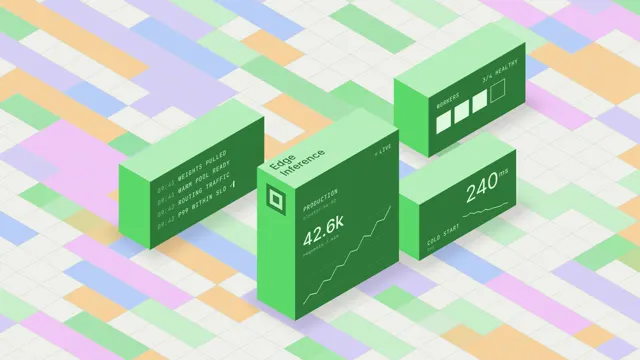
Edge inference
Isometric blocks with live data on their faces rise over a tiled floor.