Scenes / routing / galton-router
Smart routing
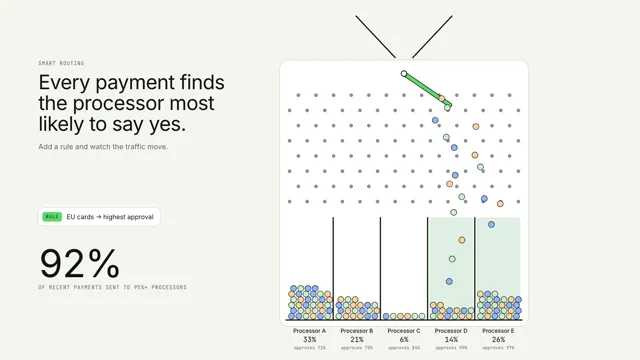
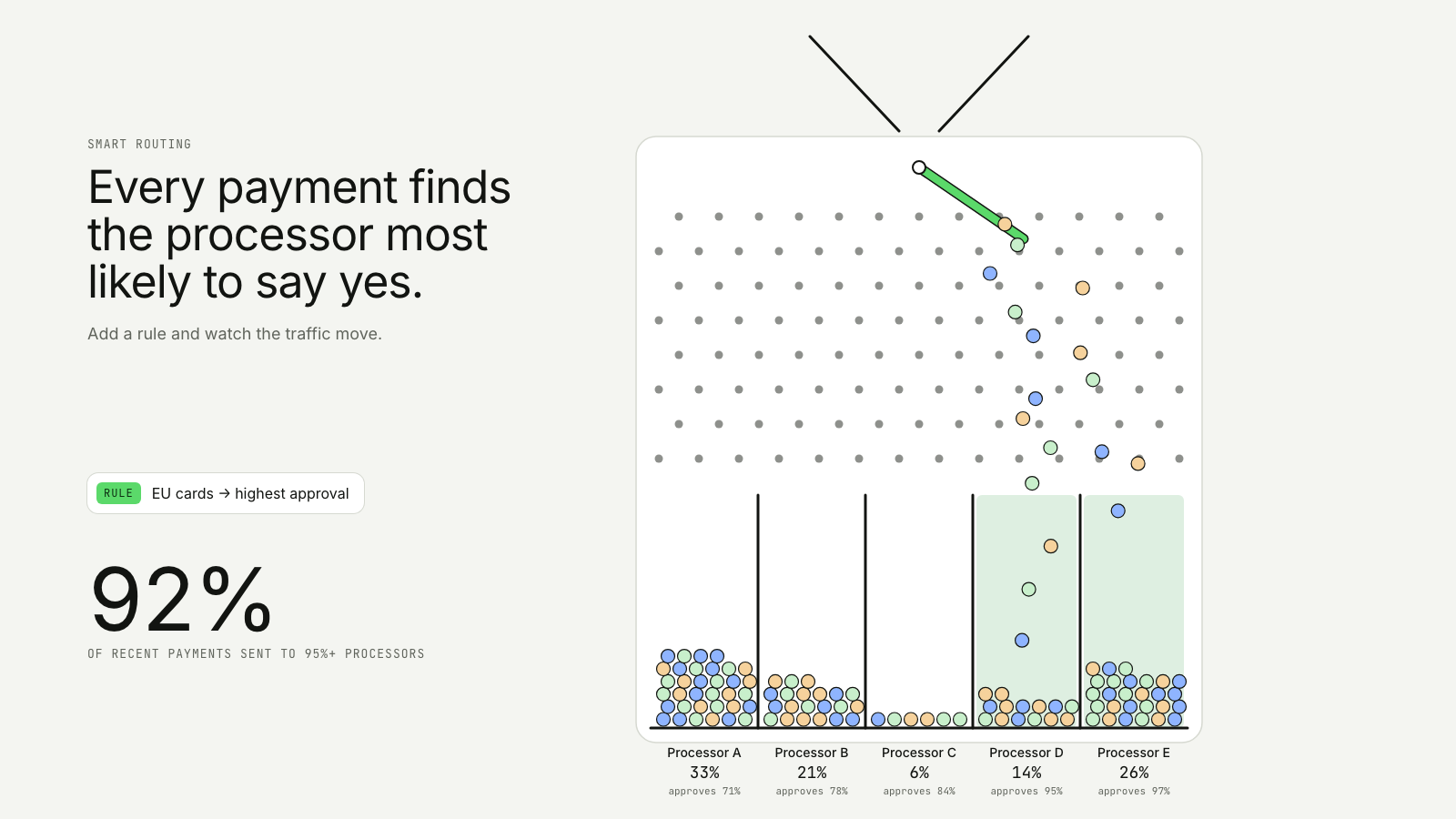
Payments drop through a pegboard; a rule flips the switch and the flow moves to the processors that say yes.
Drawn in Ink · follows any look See the matched set →
With Claude Code
With the skill installed, paste this in your project.
Use the site-motion skill to make the "galton-router" scene for our site, in our brand.
Read our design tokens from this project (or run `site-motion theme <our url>`), write the content JSON with our real product nouns and numbers, then render mp4, webm and a poster. Check the loop seam before you finish.
From the command line
Draft your tokens, then copy the scene into your project. The first scene you add sets your site's look; every scene after it follows.
node bin/site-motion.mjs theme https://yoursite.com --out brand.json
node bin/site-motion.mjs add galton-router --tokens brand.json
Your brand, as tokens
The theme playing above, as a token file the CLI and the skill accept.
content.json, the words in this scene
{
  "title": "Smart routing",
  "label": "Payments drop through a pegboard into five processor bins. A switch first tips them toward the weaker processors; when a routing rule arrives the switch flips, the flow moves to the processors that approve the most, and the live share climbs.",
  "eyebrow": "Smart routing",
  "heading": "Every payment finds\nthe processor most\nlikely to say yes.",
  "sub": "Add a rule and watch the traffic move.",
  "bins": [
    {
      "name": "Processor A",
      "note": "approves 71%"
    },
    {
      "name": "Processor B",
      "note": "approves 78%"
    },
    {
      "name": "Processor C",
      "note": "approves 84%"
    },
    {
      "name": "Processor D",
      "note": "approves 95%",
      "good": true
    },
    {
      "name": "Processor E",
      "note": "approves 97%",
      "good": true
    }
  ],
  "rule": {
    "at": 4.6,
    "label": "EU cards → highest approval"
  },
  "rateLabel": "of recent payments sent to 95%+ processors",
  "count": 120,
  "spawnUntil": 8.6
}
Files
default themeRendered frame-exact. For your brand, run the command on the left.
embed snippet
<iframe src="/galton-router.html" title="Smart routing" style="width:100%;aspect-ratio:16/9;border:0" loading="lazy"></iframe>
More ways to show this
the same story, one per job on the page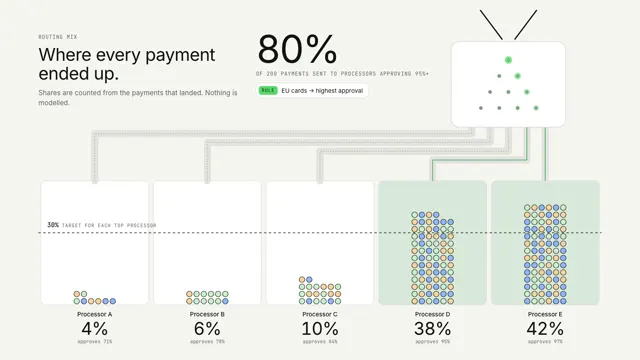
Related scenes
all scenes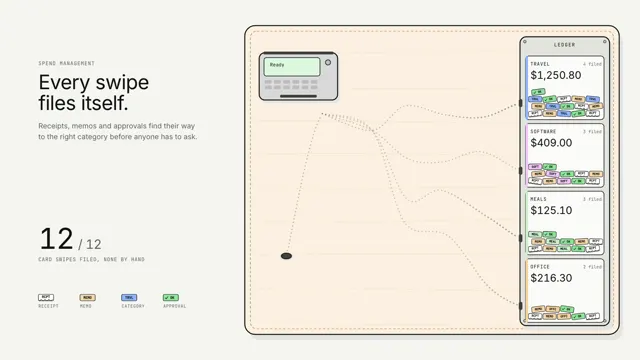
Spend that sorts itself
Every card swipe drops its paperwork on the table, and a line of ants carries each crumb down its own pheromone trail to the right ledger slot.
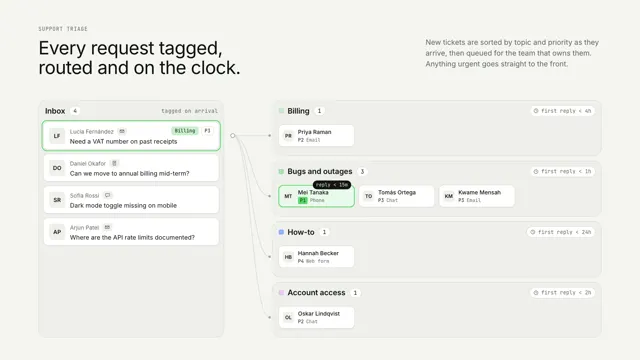
Inbox triage
Incoming requests are tagged and routed into team queues with SLA timers, and one urgent item jumps to the front of its line.

Traffic, by channel
Traffic is a river on a contour map, split into one branch per channel as wide as its share; a campaign surge widens one branch while its neighbours narrow.