Press QA
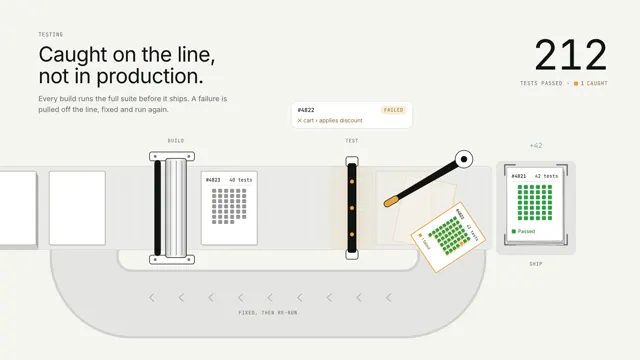
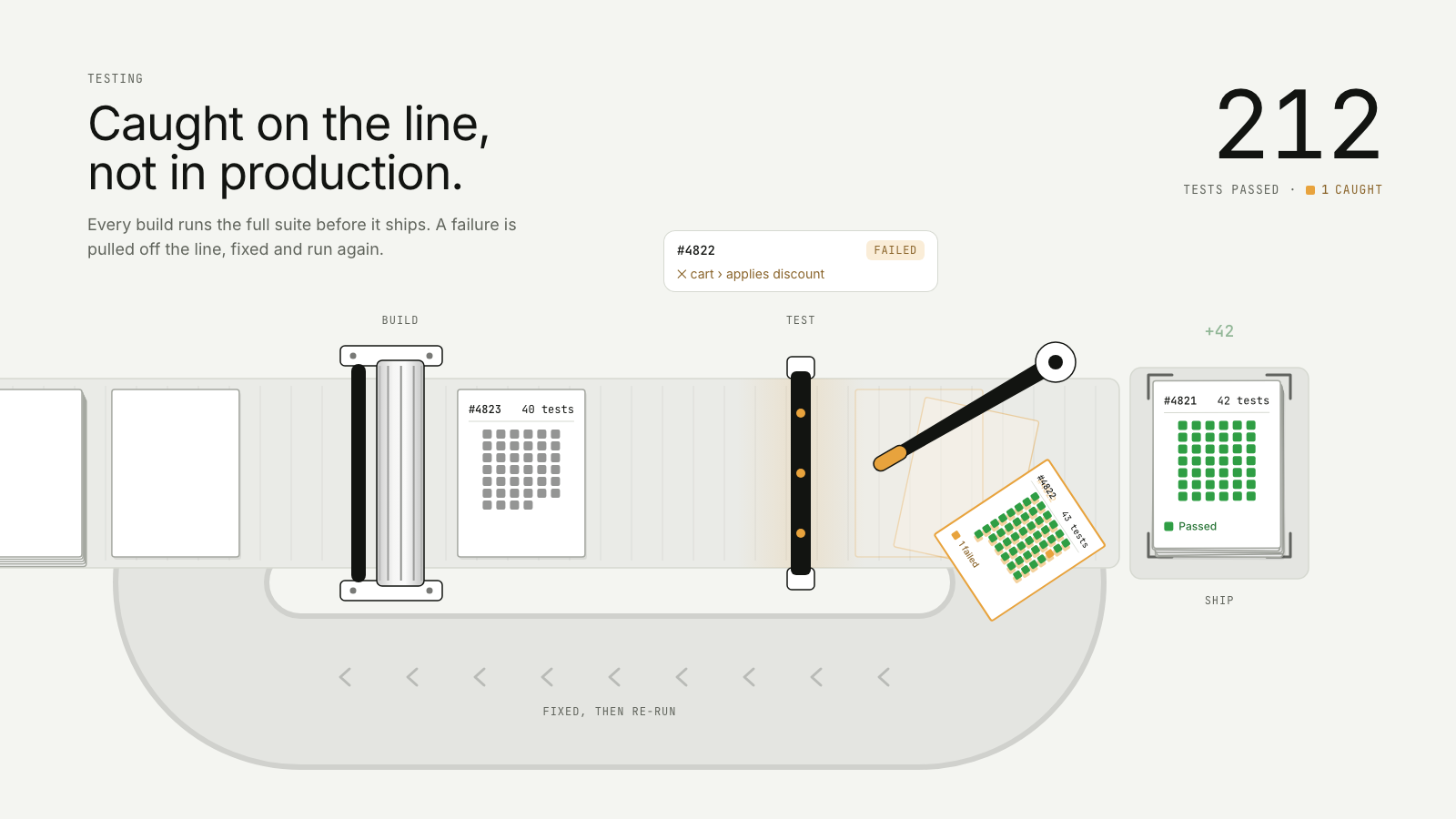
Builds roll off a press and under an inspector; an arm flicks the one with a failing test down a chute, back to the plate, and it passes on the second run.
Drawn in Outline · follows any look See the matched set →
With Claude Code
With the skill installed, paste this in your project.
Use the site-motion skill to make the "press-qa" scene for our site, in our brand.
Read our design tokens from this project (or run `site-motion theme <our url>`), write the content JSON with our real product nouns and numbers, then render mp4, webm and a poster. Check the loop seam before you finish.
From the command line
Draft your tokens, then copy the scene into your project. The first scene you add sets your site's look; every scene after it follows.
node bin/site-motion.mjs theme https://yoursite.com --out brand.json
node bin/site-motion.mjs add press-qa --tokens brand.json
Your brand, as tokens
The theme playing above, as a token file the CLI and the skill accept.
content.json, the words in this scene
{
  "title": "Press QA",
  "label": "A print line seen from above. A rotary press prints one sheet per build; each sheet carries a grid of marks, one per test. The sheets slide right under an inspector whose beam turns each mark green as it passes. One build has a failing test: its mark turns red, the line stops it, and an arm flicks the sheet down a chute that loops under the line back to the press. It is printed again, passes on the second run and lands on a neat stack of passed builds, whose tally reads 212 tests passed and 1 caught.",
  "eyebrow": "Testing",
  "heading": "Caught on the line,\nnot in production.",
  "sub": "Every build runs the full suite before it ships. A failure is pulled off the line, fixed and run again.",
  "stations": [
    "Build",
    "Test",
    "Ship"
  ],
  "chute": "Fixed, then re-run",
  "testsUnit": "tests",
  "tally": {
    "passed": 212,
    "passedLabel": "tests passed",
    "caughtLabel": "caught"
  },
  "status": {
    "passed": "Passed",
    "failed": "Failed",
    "rerun": "Re-run passed"
  },
  "builds": [
    {
      "id": "#4817",
      "tests": 38
    },
    {
      "id": "#4818",
      "tests": 44
    },
    {
      "id": "#4819",
      "tests": 41
    },
    {
      "id": "#4820",
      "tests": 47
    },
    {
      "id": "#4821",
      "tests": 42
    },
    {
      "id": "#4822",
      "tests": 43,
      "failing": "cart › applies discount",
      "failAt": 17
    },
    {
      "id": "#4823",
      "tests": 40
    },
    {
      "id": "#4824",
      "tests": 45
    },
    {
      "id": "#4825",
      "tests": 39
    }
  ]
}
Files
default themeRendered frame-exact. For your brand, run the command on the left.
embed snippet
<iframe src="/press-qa.html" title="Press QA" style="width:100%;aspect-ratio:16/9;border:0" loading="lazy"></iframe>
Related scenes
all scenes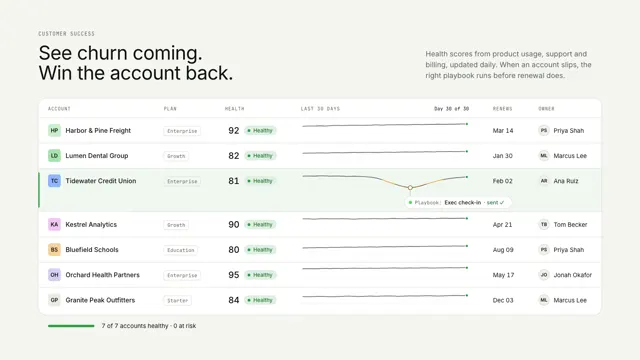
Account health
A health table replays the month: one account slips to at risk, a playbook fires at the low point, and it recovers.
Deploy liftoff
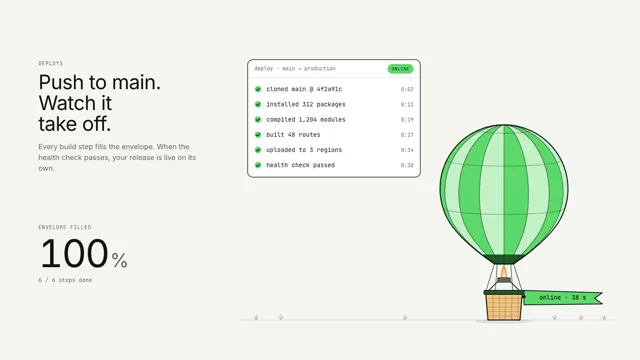
Each build-log line inflates a hot-air balloon by its share; when the health check passes it lifts off flying an online pennant.
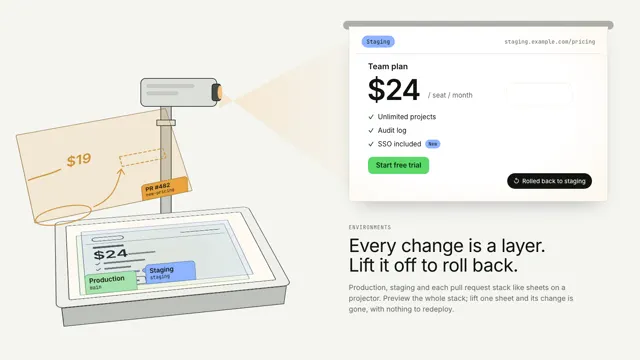
Projector sheets
Production, staging and a pull request stack as acetate sheets on a projector; lift the PR sheet off and the wall snaps back to staging.