Scenes / integrations / loom / loom--feature
Thread in a new tool
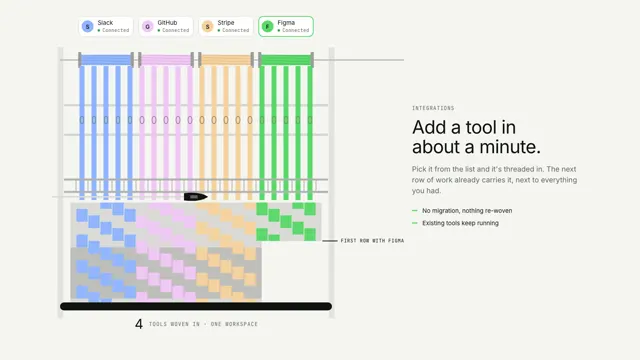
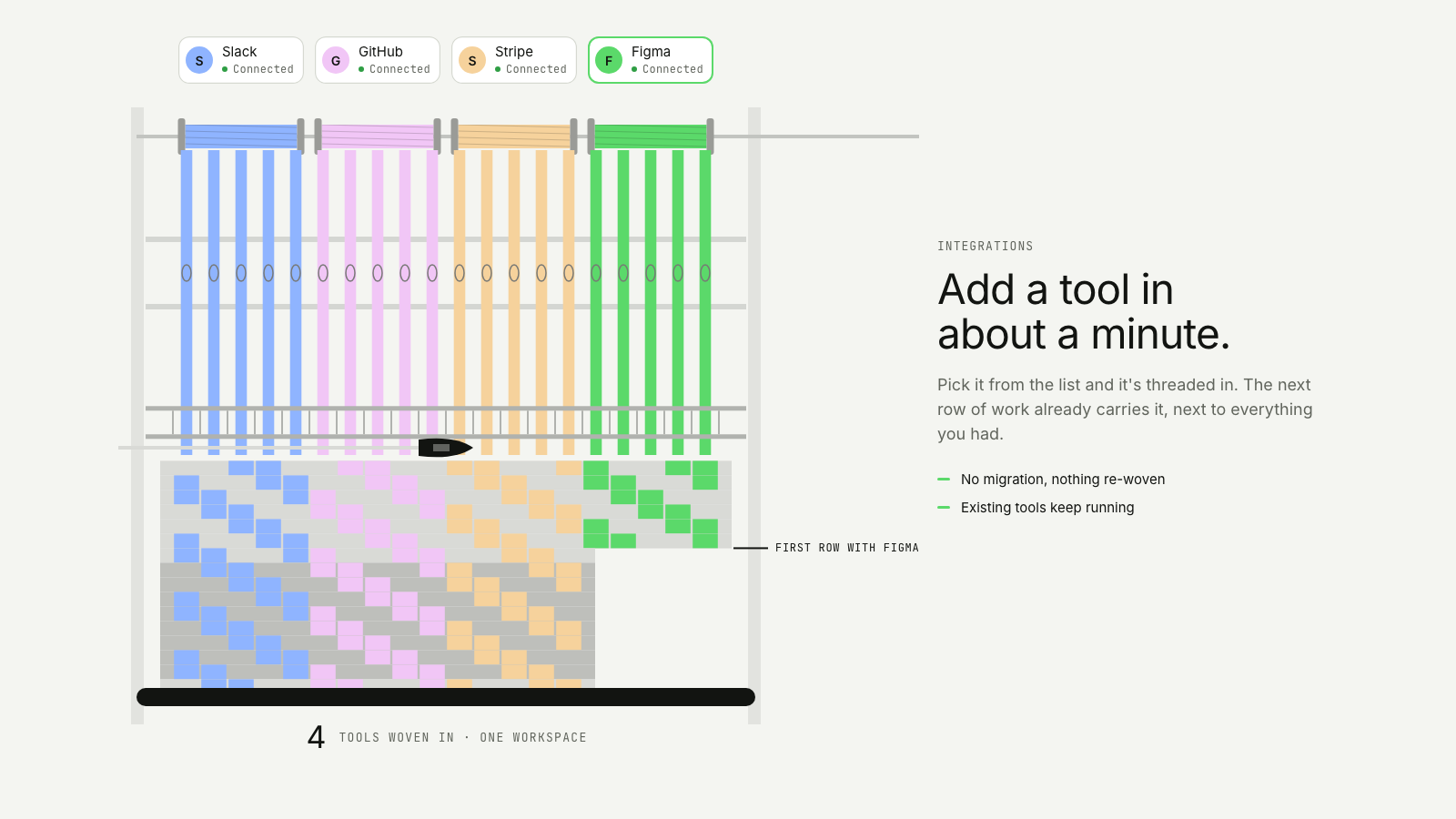
A new tool's spool is threaded into a loom already weaving, and from the next row on the cloth carries its colour.
The feature take on Woven together: same story, built for a different job on the page.
Drawn in Field · follows any look See the matched set →
With Claude Code
With the skill installed, paste this in your project.
Use the site-motion skill to make the "loom--feature" scene for our site, in our brand.
Read our design tokens from this project (or run `site-motion theme <our url>`), write the content JSON with our real product nouns and numbers, then render mp4, webm and a poster. Check the loop seam before you finish.
From the command line
Draft your tokens, then copy the scene into your project. The first scene you add sets your site's look; every scene after it follows.
node bin/site-motion.mjs theme https://yoursite.com --out brand.json
node bin/site-motion.mjs add loom--feature --tokens brand.json
Your brand, as tokens
The theme playing above, as a token file the CLI and the skill accept.
content.json, the words in this scene
{
  "title": "Thread in a new tool",
  "label": "A close view of a loom already weaving three tools, Slack, GitHub and Stripe, each a band of coloured warp threads. A new spool labelled Figma rolls onto the rod, and a threading hook draws its threads down through the heddle eyes and the reed to the cloth. From the next row on the cloth is woven four bands wide in Figma's colour, the cloth steps out where the new band begins, Figma's chip turns to Connected, and the beam's count reads four tools.",
  "eyebrow": "Integrations",
  "heading": "Add a tool in\nabout a minute.",
  "sub": "Pick it from the list and it's threaded in. The next row of work already carries it, next to everything you had.",
  "points": [
    "No migration, nothing re-woven",
    "Existing tools keep running"
  ],
  "product": "One workspace",
  "countLabel": "tools woven in",
  "threads": [
    {
      "name": "Slack",
      "mark": "S",
      "palette": 2
    },
    {
      "name": "GitHub",
      "mark": "G",
      "palette": 3
    },
    {
      "name": "Stripe",
      "mark": "S",
      "palette": 4
    },
    {
      "name": "Figma",
      "mark": "F",
      "colour": "accent",
      "new": true
    }
  ],
  "status": {
    "pending": "Threading",
    "done": "Connected"
  },
  "firstRow": "First row with",
  "perTool": 5,
  "rowHeight": 16
}
Files
default themeRendered frame-exact. For your brand, run the command on the left.
embed snippet
<iframe src="/loom--feature.html" title="Thread in a new tool" style="width:100%;aspect-ratio:16/9;border:0" loading="lazy"></iframe>
More ways to show this
the same story, one per job on the page
Related scenes
all scenes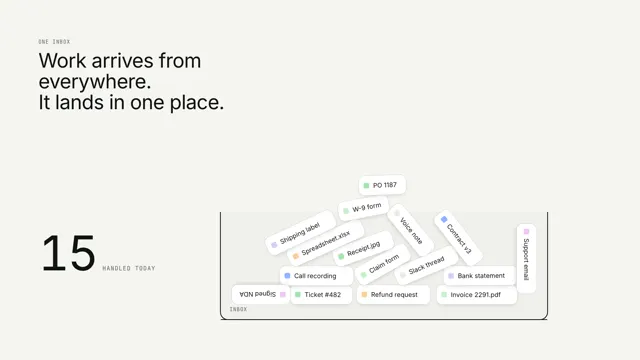
Everything lands in one place
Work items from everywhere fall into one tray with real physics while a counter tallies them.
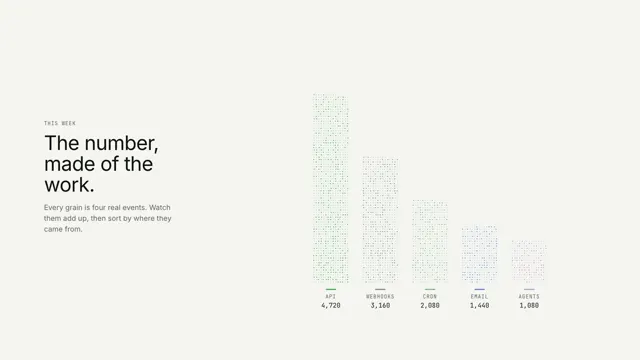
The number, made of the work
Grains of real events pour into the digits of the total, then sort themselves into one bar per source.
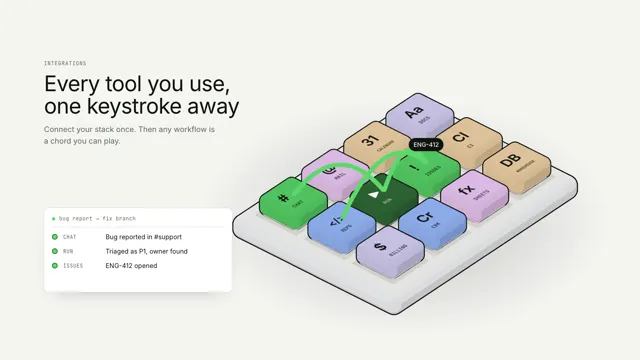
Every tool, one keystroke away
Every integration is a key on one isometric macro pad; a workflow is played as a chord, keys pressing in turn while a run log types each step.