Scenes / messy to structured / lens-of-order
Order where you see noise
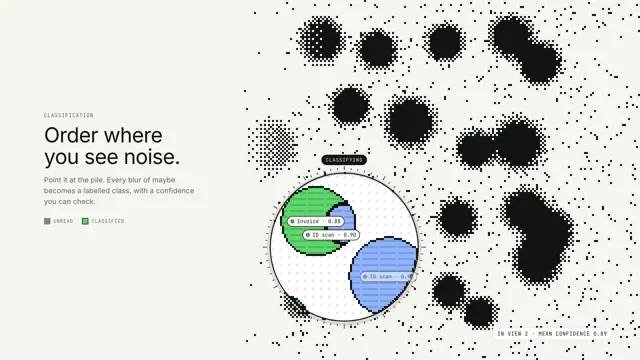
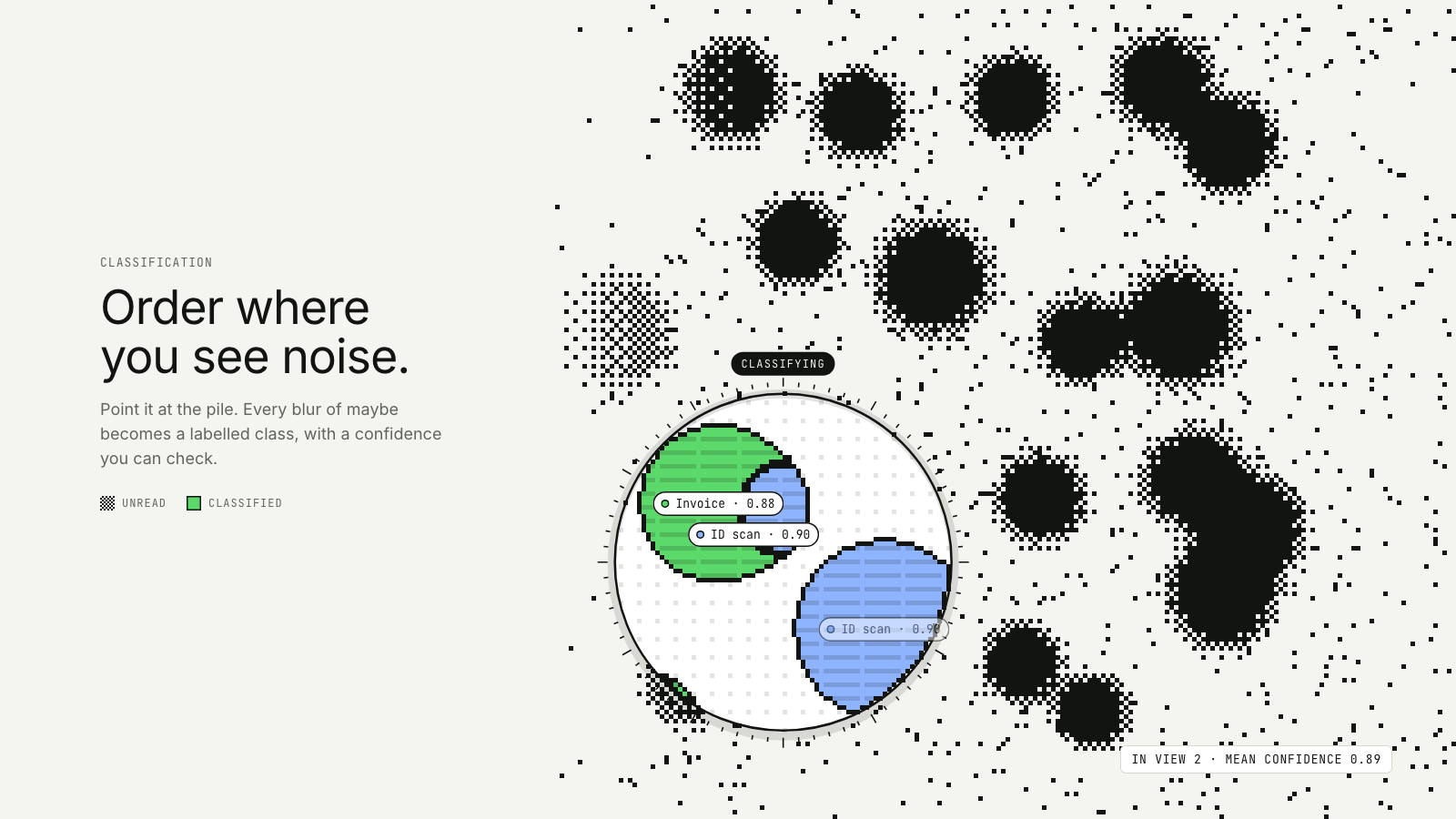
A lens drifts over a dithered field of maybes; inside it, every blob is classified, outlined and labelled.
Drawn in Field · follows any look See the matched set →
With Claude Code
With the skill installed, paste this in your project.
Use the site-motion skill to make the "lens-of-order" scene for our site, in our brand.
Read our design tokens from this project (or run `site-motion theme <our url>`), write the content JSON with our real product nouns and numbers, then render mp4, webm and a poster. Check the loop seam before you finish.
From the command line
Draft your tokens, then copy the scene into your project. The first scene you add sets your site's look; every scene after it follows.
node bin/site-motion.mjs theme https://yoursite.com --out brand.json
node bin/site-motion.mjs add lens-of-order --tokens brand.json
Your brand, as tokens
The theme playing above, as a token file the CLI and the skill accept.
content.json, the words in this scene
{
  "title": "Order where you see noise",
  "label": "A field of drifting blobs drawn as 1-bit ink stipple, meaning not yet understood. A magnifying lens wanders across it; inside the lens every blob is filled in its class colour, outlined and labelled with a confidence, and a trail of coloured stipple fades behind it.",
  "eyebrow": "Classification",
  "heading": "Order where\nyou see noise.",
  "sub": "Point it at the pile. Every blur of maybe becomes a labelled class, with a confidence you can check.",
  "keyNoise": "unread",
  "keyOrder": "classified",
  "lensTag": "classifying",
  "readoutSeen": "in view",
  "readoutConf": "mean confidence",
  "readoutIdle": "scanning",
  "classes": [
    {
      "name": "Invoice"
    },
    {
      "name": "Contract"
    },
    {
      "name": "Receipt"
    },
    {
      "name": "ID scan"
    }
  ]
}
Files
default themeRendered frame-exact. For your brand, run the command on the left.
embed snippet
<iframe src="/lens-of-order.html" title="Order where you see noise" style="width:100%;aspect-ratio:16/9;border:0" loading="lazy"></iframe>
Related scenes
all scenes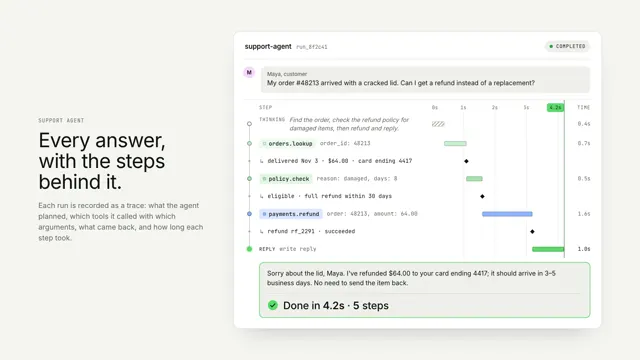
An agent run, traced
One agent run as a vertical trace: thinking, tool calls and results on a shared time axis, resolving into the answer.
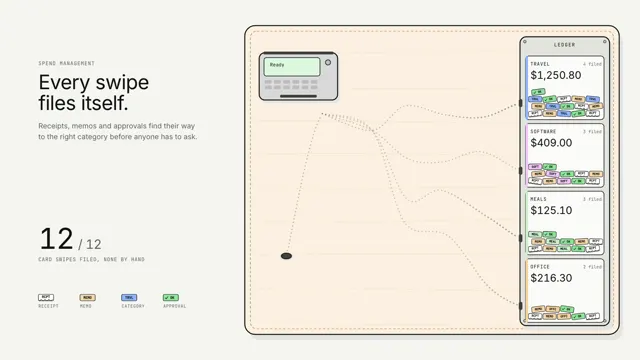
Spend that sorts itself
Every card swipe drops its paperwork on the table, and a line of ants carries each crumb down its own pheromone trail to the right ledger slot.
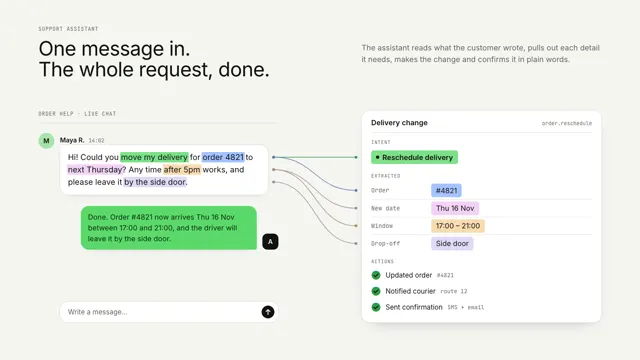
One message, turned into done work
A chat message's key phrases lift off and snap into a structured card, then the actions run and a reply comes back.