Scenes / automation / card-story
Expenses on autopilot
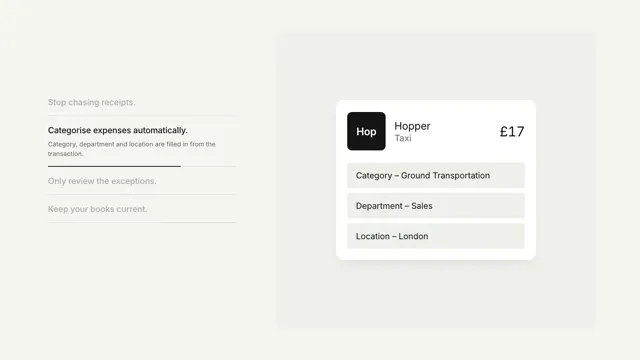
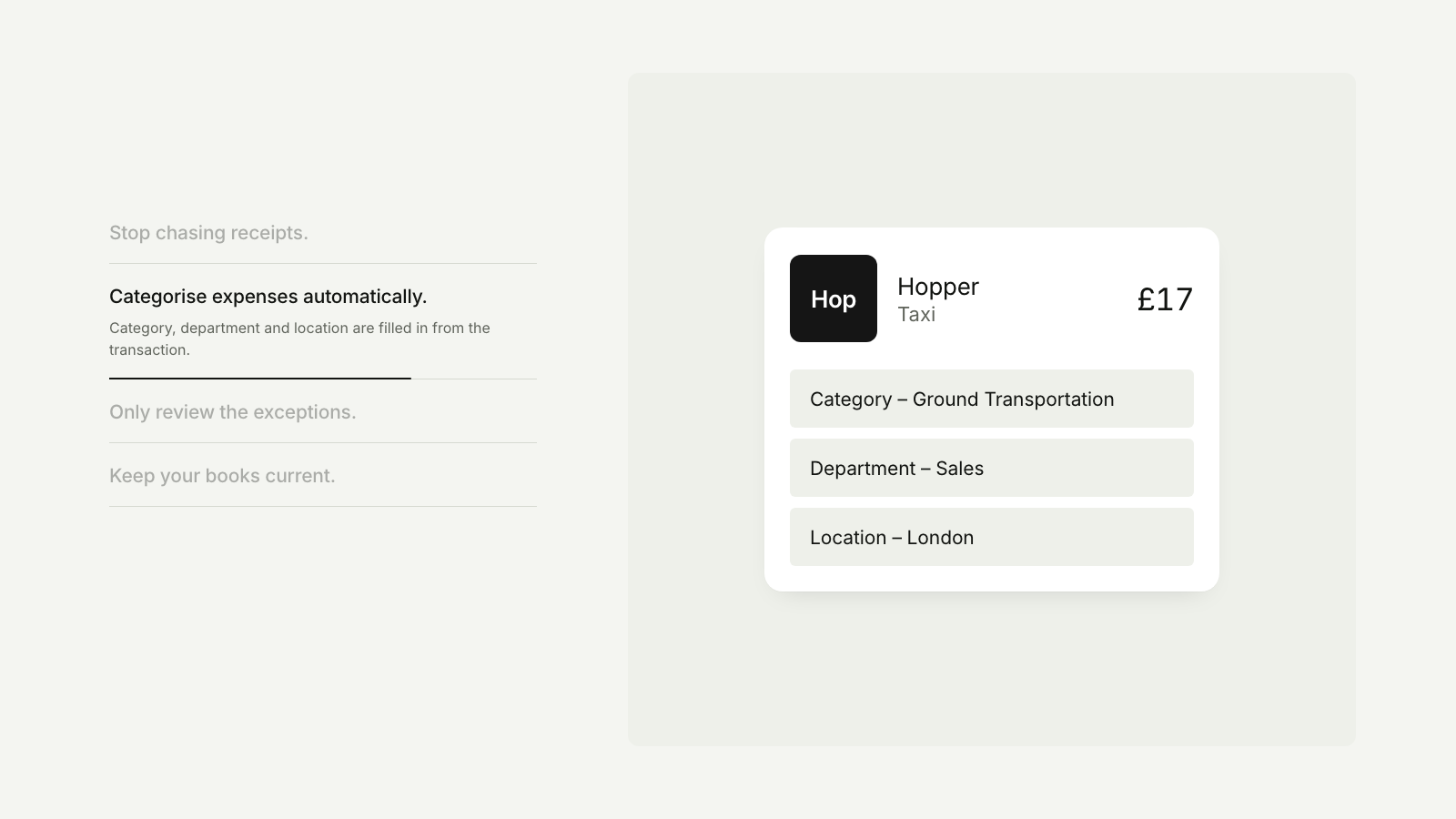
A feature list drives a product card through its states, removing a step each time.
Drawn in Soft UI · follows any look See the matched set →
With Claude Code
With the skill installed, paste this in your project.
Use the site-motion skill to make the "card-story" scene for our site, in our brand.
Read our design tokens from this project (or run `site-motion theme <our url>`), write the content JSON with our real product nouns and numbers, then render mp4, webm and a poster. Check the loop seam before you finish.
From the command line
Draft your tokens, then copy the scene into your project. The first scene you add sets your site's look; every scene after it follows.
node bin/site-motion.mjs theme https://yoursite.com --out brand.json
node bin/site-motion.mjs add card-story --tokens brand.json
Your brand, as tokens
The theme playing above, as a token file the CLI and the skill accept.
content.json, the words in this scene
{
  "title": "Expenses on autopilot",
  "label": "A list of four features beside a product card. As each feature's progress line fills, the card for a £17 taxi expense generates a memo, fills in its category, flags and then approves a policy exception, and syncs to the ledger.",
  "card": {
    "logo": {
      "text": "Hop",
      "bg": "#151515",
      "fg": "#ffffff"
    },
    "name": "Hopper",
    "sub": "Taxi",
    "amount": "£17"
  },
  "steps": [
    {
      "title": "Stop chasing receipts.",
      "body": "Receipts match themselves and the memo writes itself, with less admin and chasing.",
      "card": {
        "kind": "loading",
        "text": "Generating memo…",
        "then": "Client visit · Northwind, Shoreditch"
      }
    },
    {
      "title": "Categorise expenses automatically.",
      "body": "Category, department and location are filled in from the transaction.",
      "card": {
        "kind": "fields",
        "rows": [
          "Category – Ground Transportation",
          "Department – Sales",
          "Location – London"
        ]
      }
    },
    {
      "title": "Only review the exceptions.",
      "body": "Anything outside policy is flagged once, with the reason, and approved in a tap.",
      "card": {
        "kind": "flag",
        "rows": [
          "Category – Ground Transportation",
          "Time – 23:40, outside hours",
          "Location – London"
        ],
        "flag": {
          "row": 1,
          "text": "Needs review",
          "resolved": "Approved"
        }
      }
    },
    {
      "title": "Keep your books current.",
      "body": "Every approved expense lands in the ledger the same day.",
      "card": {
        "kind": "synced",
        "text": "Synced to ledger",
        "rows": [
          "6420 · Travel – local      £17.00",
          "2100 · Card clearing    −£17.00"
        ]
      }
    }
  ]
}
Files
default themeRendered frame-exact. For your brand, run the command on the left.
embed snippet
<iframe src="/card-story.html" title="Expenses on autopilot" style="width:100%;aspect-ratio:16/9;border:0" loading="lazy"></iframe>
Related scenes
all scenes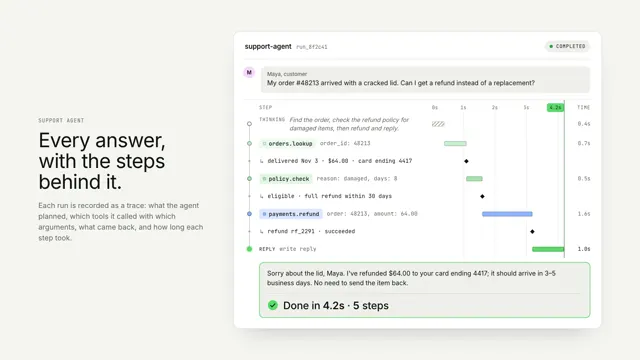
An agent run, traced
One agent run as a vertical trace: thinking, tool calls and results on a shared time axis, resolving into the answer.
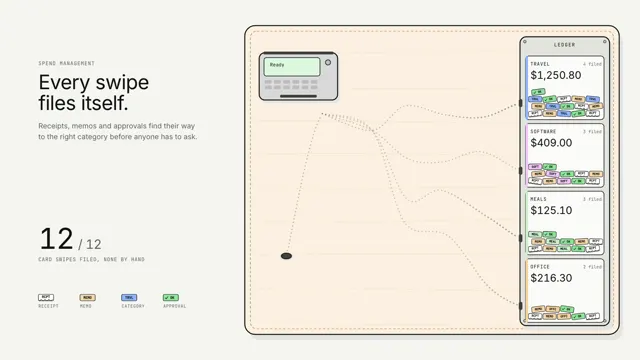
Spend that sorts itself
Every card swipe drops its paperwork on the table, and a line of ants carries each crumb down its own pheromone trail to the right ledger slot.
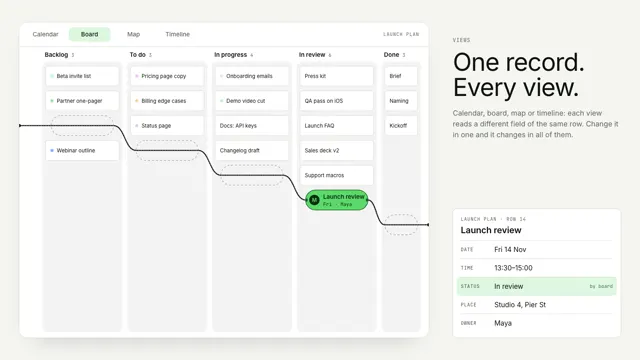
Bead views
One record stays still as a bead while its string re-threads the world around it: a calendar, a board, a street map and a timeline.